PMV Logo
HomeAbout UsModulesPricingContact Us
PMV Logo
HomeAbout UsModulesPricingContact Us

© 2026 PrometaV powered by GameIN. All rights reserved.

ModulesOnboarding
Employee Onboarding Module

From Slide Decks to a Smarter Onboarding Standard

A fully immersive virtual environment that walks new hires through your company story and departments interactive, trackable, and built around your content.

Get Started
What Is The Onboarding Module?

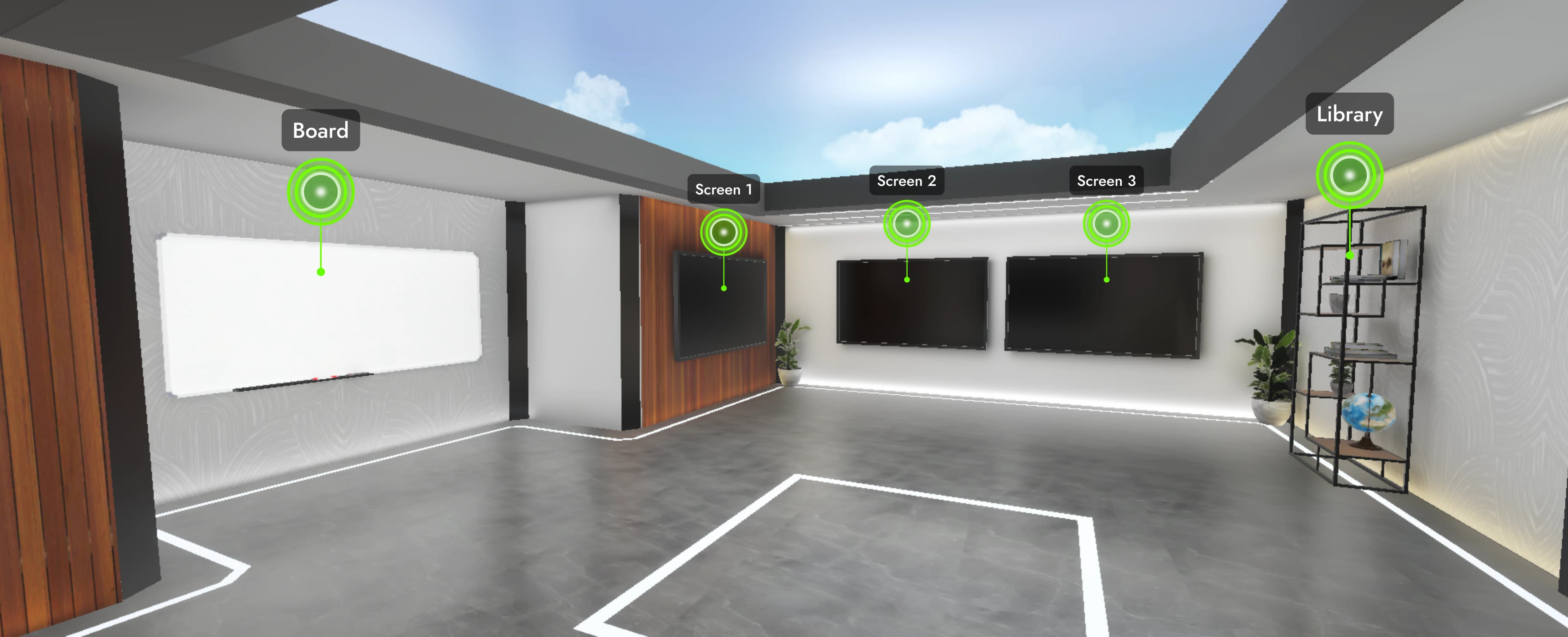
The Employee Onboarding Module is a 3D virtual environment where new hires experience your company not just read about it. They navigate two dedicated zones, engage with content your team configures, and complete the module with a final assessment.

No downloads.No-Code CMS.Works on desktop and mobile.
The 3D Environment

Two Zones. One Complete Journey.

The module is structured as two distinct 3D spaces, each with a clear purpose.

1

Zone 1

Company Introduction

Where every new hire starts

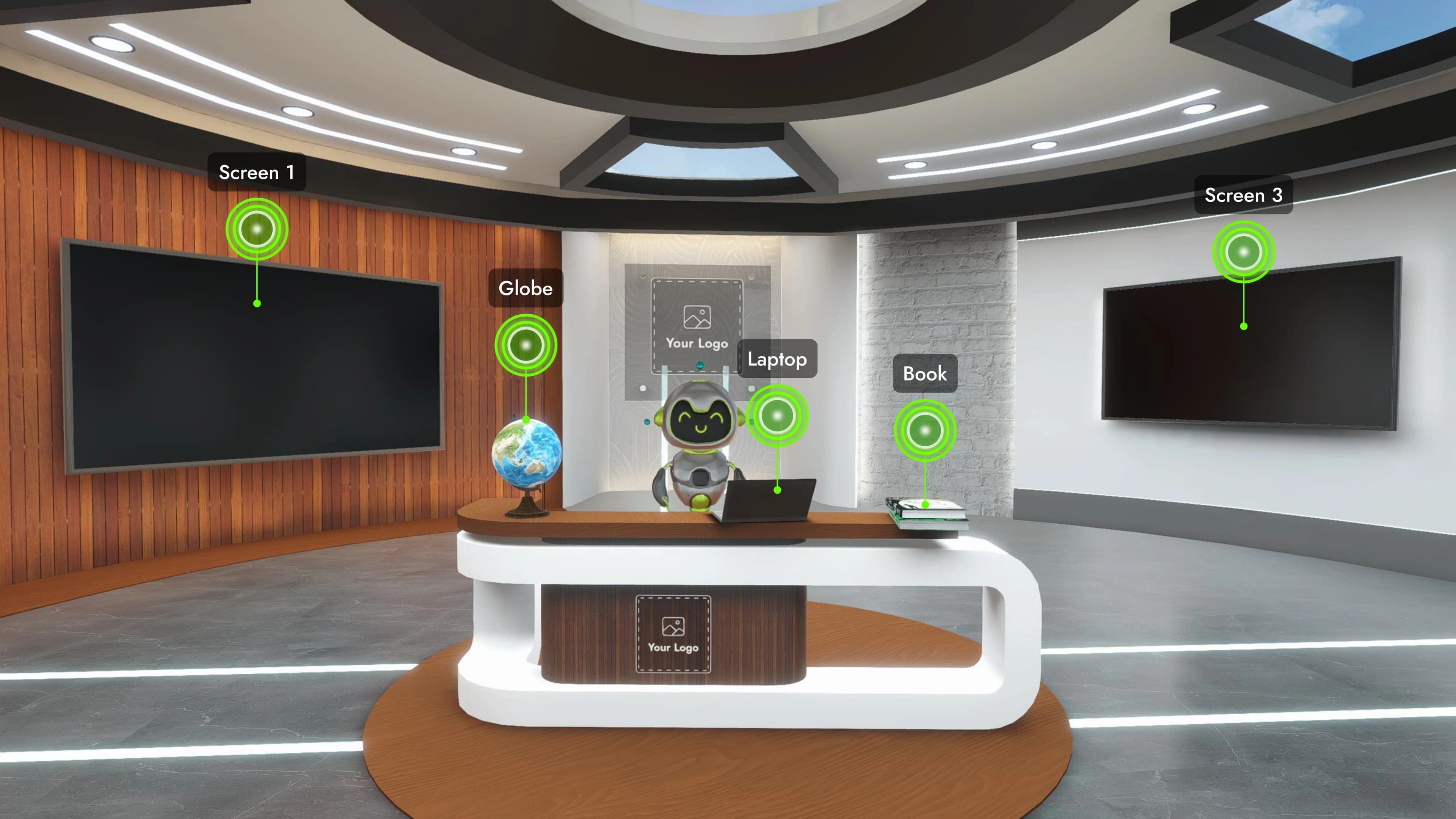
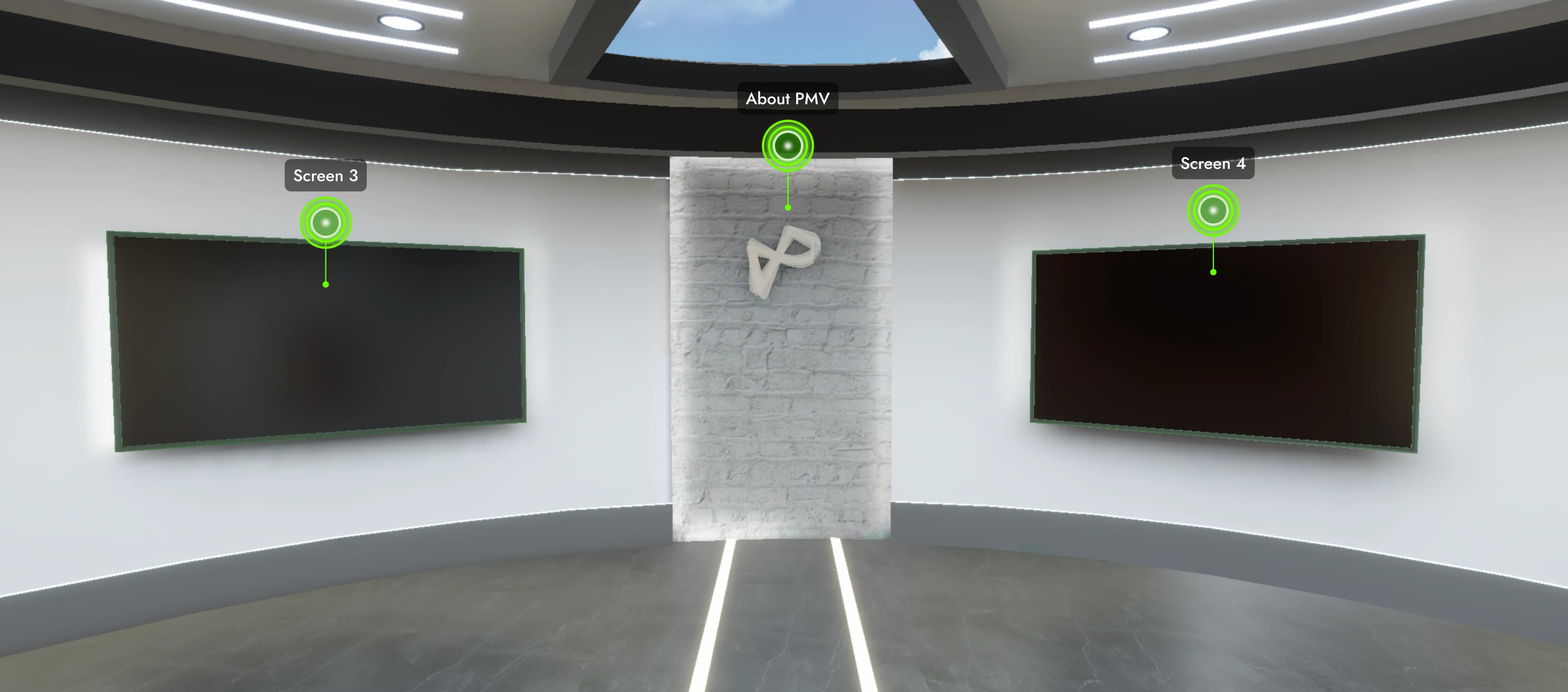
The employee enters directly into Zone 1. This space is dedicated to your company story, culture, values, and identity.

  • 8 interactive content touchpoints
  • Robot guide at the front desk to welcome visitors
2

Zone 2

Department Learning

The deep dive into how your company works

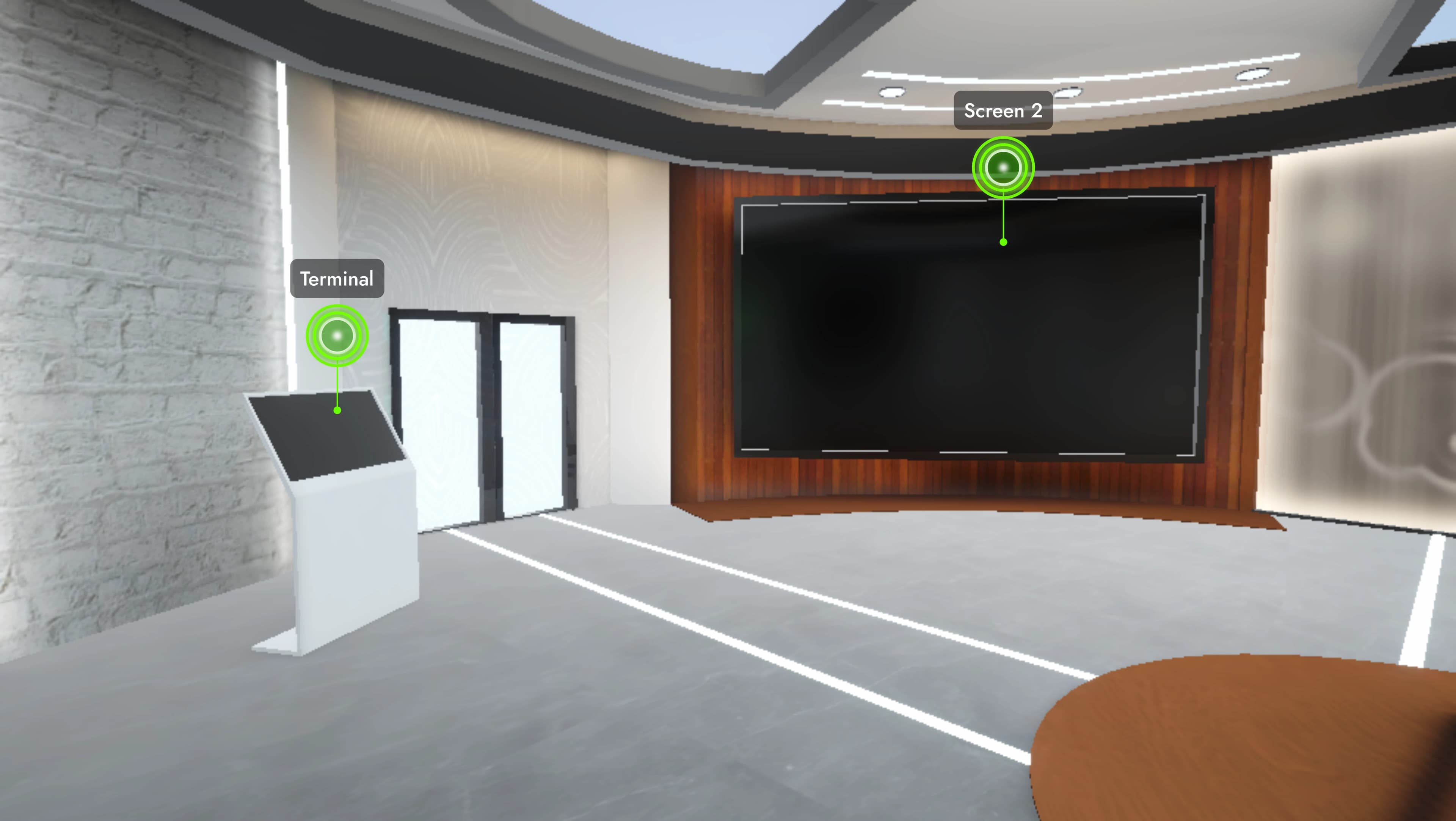
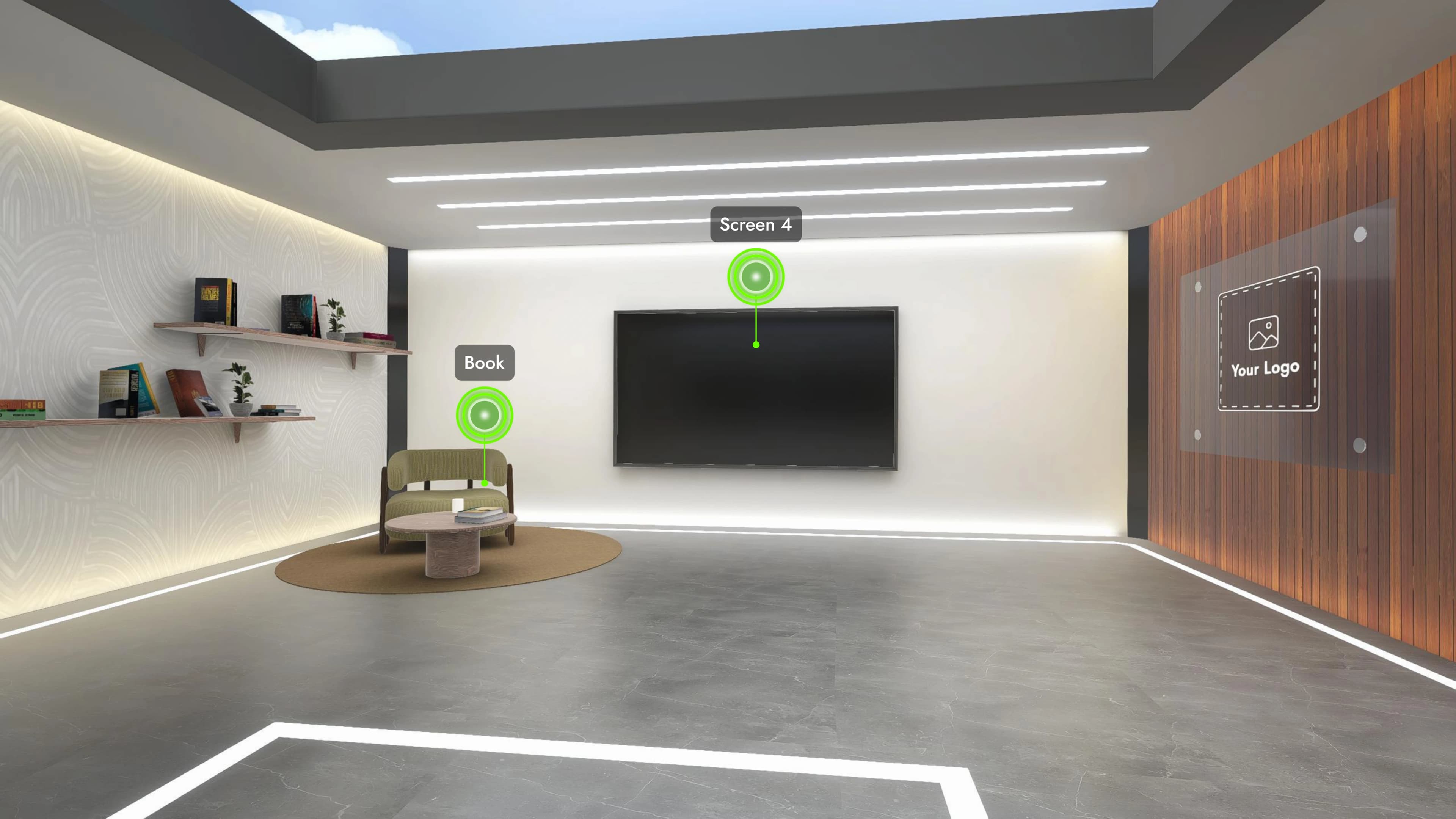
After completing Zone 1, employees transition into Zone 2, focused on departments, processes, and role-relevant knowledge.

  • 7 interactive content touchpoints
Zone 1 — View 1Zone 1 — View 2Zone 1 — View 3Zone 2 — View 1Zone 2 — View 2
Zone 1 — View 1
What’s Inside Each Touchpoint

Every Touchpoint, Fully Configured by You

Each of the 15 touchpoints across the two zones is built by your admin team from the dashboard. For every touchpoint you can add:

Video
Image
PDF Document
MCQ Quiz
Mini-Game
Mix and match content types in any order. Mark each touchpoint as mandatory or optional.
End-of-Module Quiz

Close the Loop With a Final Assessment

Once an employee completes all mandatory touchpoints, a final quiz launches automatically. They get two attempts to pass.

Results

Pass / Fail recorded instantly

Score

Per-attempt score tracked

Status

Visible in your dashboard immediately

Analytics

Complete Visibility Into Every Employee’s Journey

Every session generates a set of performance metrics giving you a clear picture of how each employee is absorbing and engaging with the content not just whether they finished it.

Actual time viewing each piece of content

Did they understand it the first time, or guess until correct?

Did they finish efficiently?

Where do they give up?

Are they actively engaged or abandoning?

Every interaction logged and timestamped

Quiz results and scores recorded per attempt

Every metric is displayed with a clear status indicator so you know exactly where each employee stands at a glance.

How It Works

Up and Running in Minutes

1

Brand Your Module

Give your module an internal name and upload your company logo. It renders automatically across the 3D environment.

2

Build Your Touchpoints

Configure each touchpoint from the dashboard. Add videos, images, PDFs, quizzes, or mini-games in any order. Mark what's mandatory, what's optional.

3

Set Up Your AI Guide

Upload your company documents, policies, handbooks, and protocols to the AI configuration tab. The built-in AI assistant uses only what you upload to answer employee questions.

4

Invite Your Employees

Add employees by email. Each one receives a branded invitation with a secure PIN their key into the module.

5

Employees Experience the Module

New hires navigate through Zone 1 and Zone 2, interacting with the content you built at their own pace. When all mandatory touchpoints are done, the final quiz launches automatically.

6

Track Everything

Every interaction is recorded. See how each employee performed, where they spent time, how they scored, and where they dropped off all from your dashboard.

Turn Onboarding Into a Measurable Investment.

Get Started View Pricing